
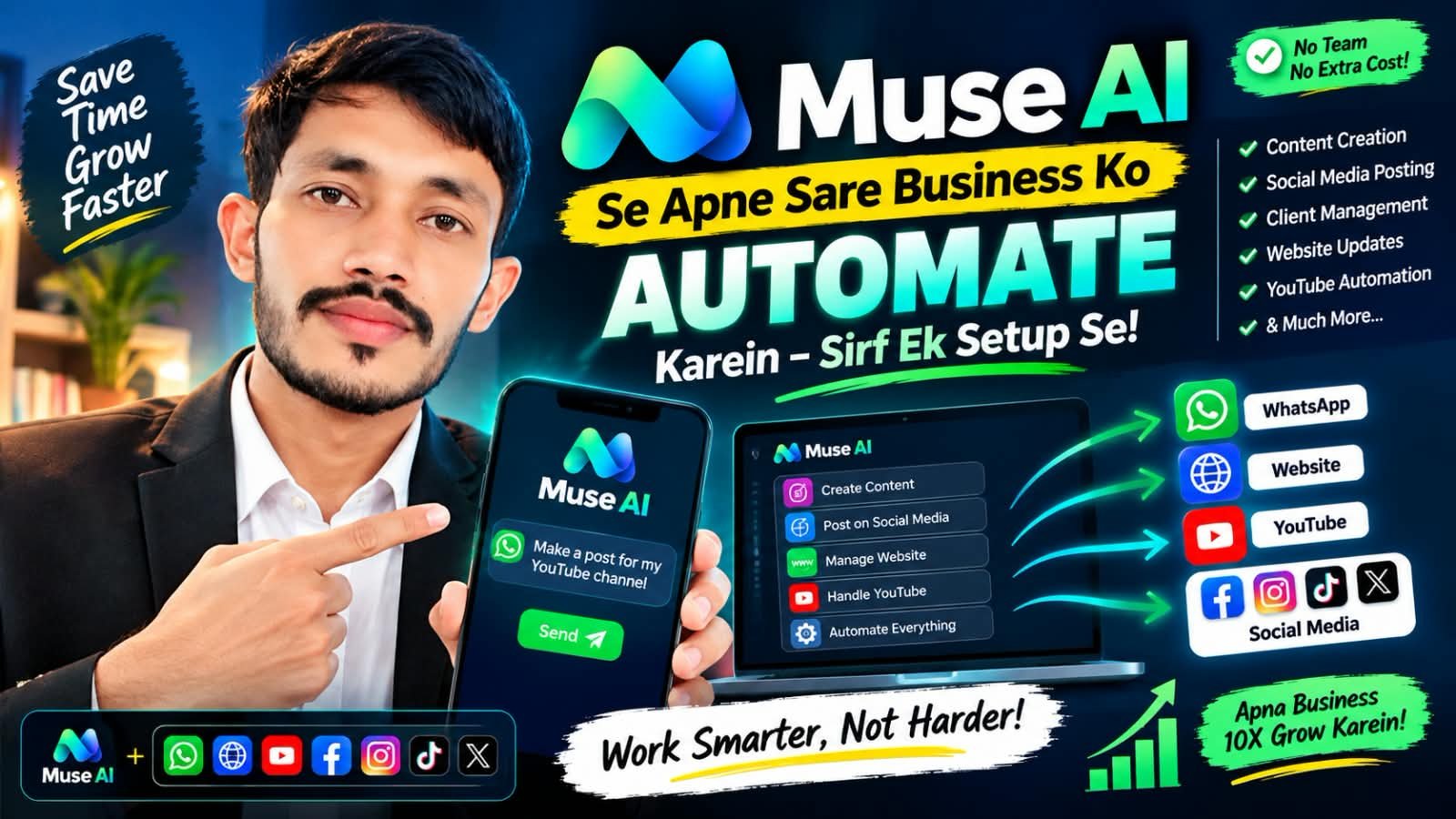
Muse AI can help you automate your whole business — WhatsApp + Website + YouTube + Social Media — with one setup. In this complete guide, we explain the automation workflow demonstrated in the video above: how one Muse AI setup connects your business channels, what you can automate, and the step-by-step process shown in the demonstration. This guide is for students and business owners in Khudian Khas, Kasur, Punjab, Pakistan — and anyone in Pakistan who wants to learn AI automation practically.
Watch the video above first, then follow the guide below. The video shows the complete Muse AI automation workflow in action.
1. What is Muse AI Automation?
Muse AI Automation means connecting Muse AI to your business channels so routine work happens automatically. Instead of handling every message, update, and post manually, you set up one Muse AI workflow that works across WhatsApp, your Website, YouTube, and Social Media. As shown in the video, one setup connects all four channels — so your business keeps responding, updating, and posting even when you are busy with other work.
This is a workflow and demonstration, not magic: you set up the connections, give Muse AI clear instructions, and review the outputs. Muse AI is a helper that saves time — you stay in control.
2. What Can You Automate?
- WhatsApp replies / business chat — faster, consistent replies to common customer questions and order messages.
- Website updates — keep your website content fresh and updated without manual editing every time.
- YouTube content workflow — plan, draft, and organize your YouTube content (titles, descriptions, scripts, schedules) with AI help.
- Social media posting — Facebook, Instagram, TikTok, X — prepare and schedule consistent posts across platforms.
- Content creation — draft posts, captions, product descriptions, and replies faster.
- Client management — organize client messages, follow-ups, and orders in one workflow.
3. Step-by-Step Setup (As Demonstrated)
Follow the steps shown in the video. The demonstration connects each channel one by one, then tests the full setup.
Step 1: Connect Muse AI to WhatsApp
Connect Muse AI to your WhatsApp business chat so it can draft replies, answer common questions, and help you manage customer messages. Set clear reply rules and keep your business tone.
Step 2: Connect to Website
Connect Muse AI to your website so content updates, product/service information, and customer answers stay consistent with your site.
Step 3: Connect to YouTube
Connect Muse AI to your YouTube workflow — plan video ideas, draft titles and descriptions, and organize your upload schedule.
Step 4: Connect to Social Media
Connect Muse AI to your social media (Facebook, Instagram, TikTok, X) so you can prepare and schedule consistent posts from one place.
Step 5: One Setup, Test + Review
Once all channels are connected, test the full setup: send a test message, check a website update, review a YouTube draft, and check a scheduled social post. Review every output before it goes live. Fix what does not look right, then run the workflow.
4. Save Time, Grow Faster
Automation gives you practical benefits:
- Less manual work — routine replies, updates, and posts take less of your day.
- Faster replies — customers get quick, consistent answers.
- Consistent posting — your channels stay active even on busy days.
- More time for real work — you focus on clients, quality, and growth instead of repetitive tasks.
These are practical benefits of a good workflow — not a promise of income. Your results depend on your effort, skills, and market demand.
5. Important: AI Is a Helper — Always Review
- Always review outputs — check every AI reply, post, and update before it goes to customers.
- Protect customer privacy — do not put private customer data into AI tools, and keep customer information safe.
- Do not share sensitive data — never share passwords, bank details, CNIC numbers, or other sensitive information with AI tools or in chats.
- Follow each platform’s rules — WhatsApp, YouTube, Facebook, Instagram, TikTok, and X each have their own rules. Follow them. Do not spam, do not mislead, and do not use automation to break platform policies.
6. Learn Practically at Raja School
Want to learn this workflow step by step, with a trainer? Join the practical courses at Raja School, Khudian Khas, Kasur:
- AI Master Course, Khudian Khas — Recording: 5,000 PKR | Online Group: 10,000 PKR | Physical: 20,000 PKR. Duration: 2 months. Weekend classes. AI Master Course details
- Muse AI Complete Business Training — 10,000 PKR. Muse AI Training details
Contacts: 0305-5309695, 0312-8200540. WhatsApp: 03055309695. Physical Office: Raja School Physical Office, Khudian Khas.
7. Disclaimer
Disclaimer: This post and video are for EDUCATIONAL PURPOSES ONLY. They show an AI workflow/demonstration. Results depend on your effort, skills, and market demand. No guaranteed income. This is not financial advice. AI is a helper — always review outputs, protect customer privacy, do not share sensitive data, and follow each platform’s rules.
Useful Links
- Raja School — Home
- All Courses
- AI Master Course, Khudian Khas
- Muse AI Training, Khudian Khas
- Physical Office, Khudian Khas
- Gallery
- Contact
- Watch the Muse AI Automation Video on YouTube
- Raja School on YouTube
- Raja School on Facebook
- WhatsApp | WhatsApp Group | WhatsApp Channel
Urdu Summary
اردو میں: Muse AI کی مدد سے آپ اپنے پورے بزنس کو آٹومیٹ کر سکتے ہیں — واٹس ایپ، ویب سائٹ، یوٹیوب اور سوشل میڈیا — ایک ہی سیٹ اپ کے ساتھ۔ اس ویڈیو اور گائیڈ میں دکھایا گیا ہے کہ Muse AI کو واٹس ایپ، ویب سائٹ، یوٹیوب اور سوشل میڈیا (فیس بک، انسٹاگرام، ٹک ٹاک، X) سے کیسے جوڑیں، پیغامات کے جوابات، ویب سائٹ اپ ڈیٹس، یوٹیوب مواد اور سوشل میڈیا پوسٹنگ کو کیسے آٹومیٹ کریں۔ یاد رکھیں: AI ایک مددگار ہے — ہر آؤٹ پٹ کو چیک کریں، کسٹمر کی پرائیویسی کا خیال رکھیں، حساس ڈیٹا شیئر نہ کریں، اور ہر پلیٹ فارم کے قوانین کی پابندی کریں۔ سیکھنے کے لیے راجہ اسکول، کھڈیاں خاص، قصور سے رابطہ کریں: 0305-5309695، 0312-8200540۔ نوٹ: یہ پوسٹ اور ویڈیو صرف تعلیمی مقاصد کے لیے ہیں۔ نتائج آپ کی محنت، مہارت اور مارکیٹ کی طلب پر منحصر ہیں۔ آمدنی کی کوئی ضمانت نہیں ہے۔ یہ مالی مشورہ نہیں ہے۔