
Video Tutorial
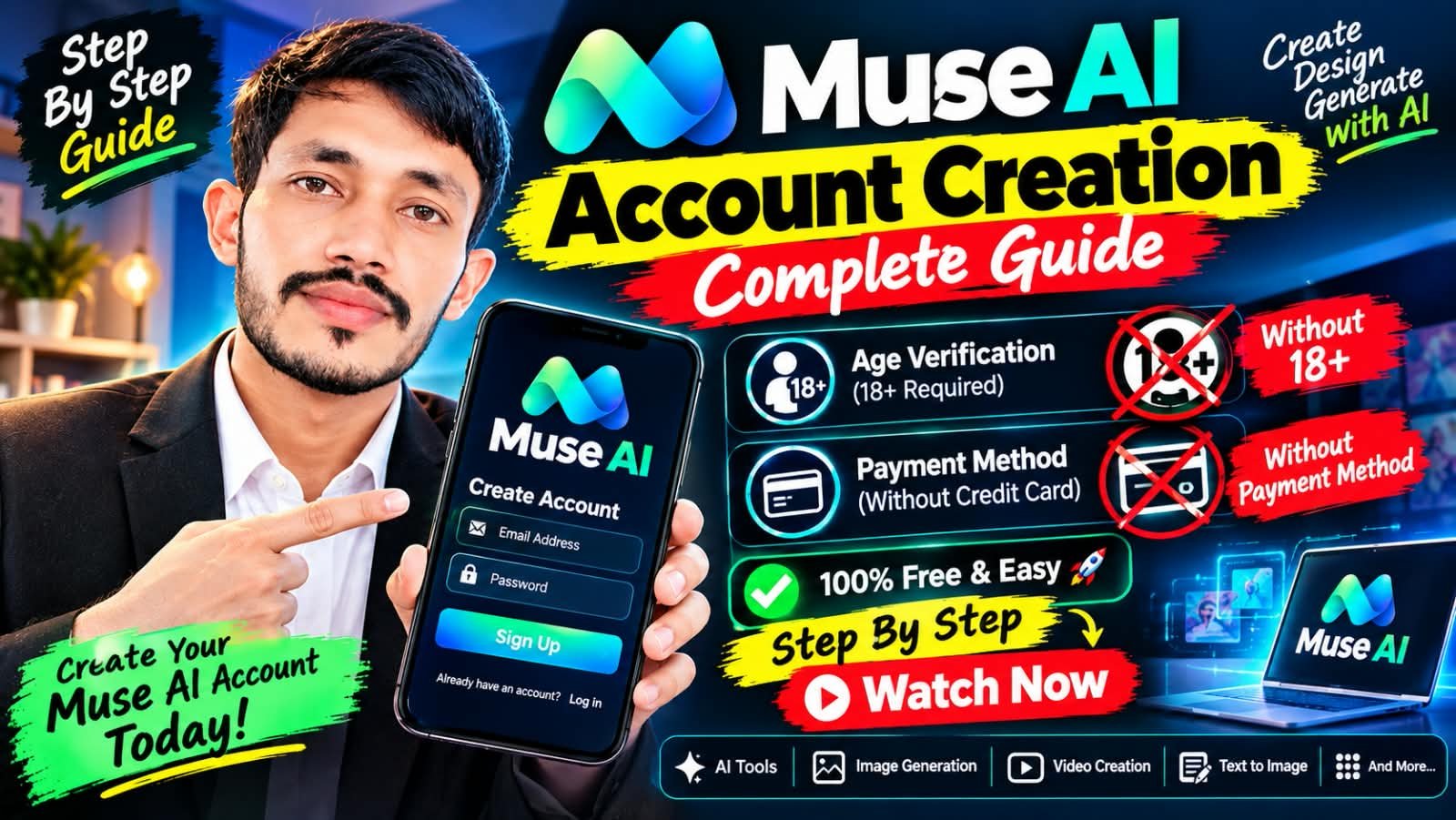
In this guide, you will learn the official, free, and safe method to create your Muse AI account — step by step, using only Muse AI’s official website/app and your own real email address.
What Is Muse AI?
Muse AI is an AI tools platform where you can explore AI tools, image generation, video creation, and text-to-image features. Creating an account the official way keeps your account safe and follows Muse AI’s terms.
How to Create Your Muse AI Account — Step-by-Step (Official Free Method)
- Go to Muse AI’s official website/app. Always use Muse AI’s official website or official app. Do not use unofficial links or third-party sign-up pages.
- Click “Sign Up” / “Create Account”. On the official page, choose the Sign Up / Create Account option.
- Enter your real email address + create a strong password. Use your own real email address — NOT a temp or disposable email. Create a strong password and keep it safe. Do not share your password with anyone.
- Verify your email. Muse AI will send a verification code to your email. Enter that code to verify your email address.
- Complete Age Verification — you must be 18+. You must be 18+ as required by Muse AI’s terms. Under-18 users must not create an account without parent/guardian permission per Muse AI’s terms.
- Enter Referral Code 7AU9N0 if asked. If Muse AI asks for a referral code during sign-up, enter the code below.
- Complete your profile. Finish your profile setup, then explore AI Tools, Image Generation, Video Creation, and Text to Image.
- Follow the official rules. Do NOT use VPN/proxy to change location, do NOT use temp/disposable email, and do NOT try to bypass verification. Follow Muse AI’s official terms.
Referral Code
7AU9N0
Enter this code if Muse AI asks for a referral code during sign-up.
Referral Code 7AU9N0 — What You Should Know
The referral code 7AU9N0 is shared by Raja School / Digital Khudian. Any token offer linked to a referral is governed by Muse AI’s own referral terms. Raja School / Digital Khudian do NOT guarantee any token amount. For the current offer, please check Muse AI’s official referral terms.
What You Can Do After Creating Your Account
- AI Tools — explore Muse AI’s AI tools for everyday and business tasks.
- Image Generation — create images with AI.
- Video Creation — create videos with AI.
- Text to Image — turn text prompts into images.
Want to learn how to use these tools for real work? See our Muse AI Training and AI Master Course.
Important Notes — Stay Safe
- Use only the official Muse AI website/app.
- Use your own real email address. Do not use temp or disposable email.
- Do not use VPN/proxy to change location. Do not try to bypass verification.
- Keep your password private. Never share it.
- Follow Muse AI’s official terms at all times.
Related Guides
- Muse AI Referral Code 7AU9N0
- Muse AI Automate Business — Complete Guide
- Muse AI Complete Business Training in Khudian Khas, Kasur
- AI Master Course
Need Help?
Message us on WhatsApp and we will guide you.
WhatsApp: 03055309695
WhatsApp Group: Join WhatsApp Group
WhatsApp Channel: Join WhatsApp Channel
YouTube: @rajaschool
Facebook: Raja School on Facebook
Website: www.rajaschools.com
Contact: Contact Us
Disclaimer: This article is for Educational Purposes Only. Follow Muse AI’s official terms. Results depend on your effort. No guaranteed income or tokens.
Urdu Summary
اردو میں: یہ گائیڈ آپ کو Muse AI کا اکاؤنٹ بنانے کا سرکاری، مفت اور محفوظ طریقہ سکھاتی ہے۔ سرکاری ویب سائٹ/ایپ پر جائیں، Sign Up پر کلک کریں، اپنا اصل ای میل اور مضبوط پاس ورڈ درج کریں، ای میل کی تصدیق کریں، اور عمر کی تصدیق مکمل کریں (18+ ضروری ہے)۔ اگر ریفرل کوڈ مانگا جائے تو 7AU9N0 درج کریں۔ ٹوکن کی پیشکش Muse AI کی اپنی ریفرل شرائط کے مطابق ہے — راجہ اسکول کسی ٹوکن کی ضمانت نہیں دیتا۔ وی پی این/پراکسی یا عارضی ای میل استعمال نہ کریں۔ مدد کے لیے واٹس ایپ: 03055309695۔
Pingback: Muse AI Premium Account in Pakistan | Price 500 PKR | Credits Available | Raja School — Digital Khudian – Raja School